01
Scan at the door
The QR at the entrance opens that branch's live catalogue and floor map. Nothing to install per store.
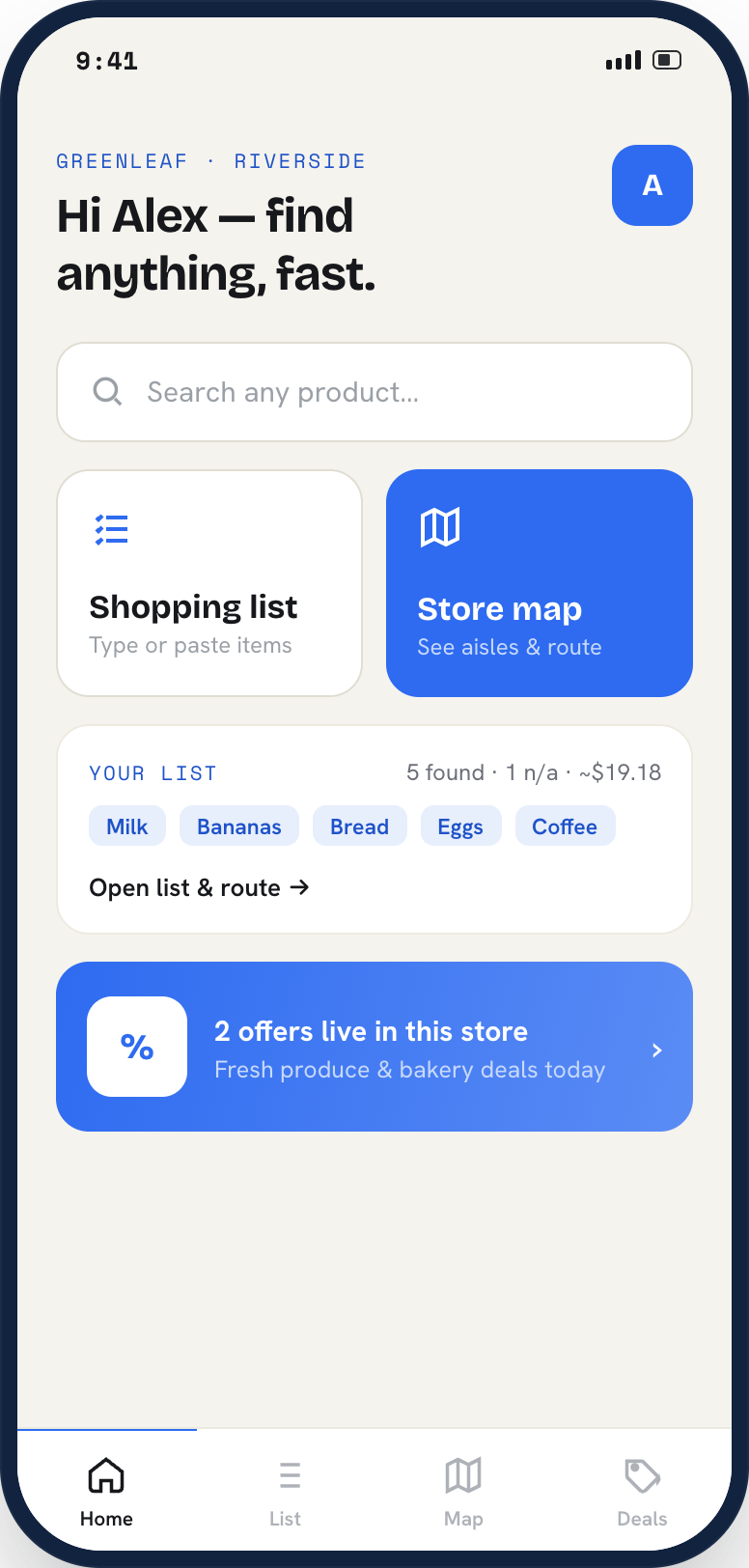
Scan the EasyFind QR at the store entrance, type what you need, and follow aisle-by-aisle directions straight to the shelf. Build a list, compare prices and check what is actually in stock before you walk over.
The QR at the entrance opens that branch's live catalogue and floor map. Nothing to install per store.
Type a product or add your whole shopping list. EasyFind shows price, stock and the exact aisle for each item.
The app orders your list into the shortest walk through the store and ticks items off as you pick them up.
Every product is mapped to an aisle and shelf, not a vague category.
See what is on the shelf right now before you cross the store for it.
Save lists, reuse them weekly, and let the app sequence the route.
Deals that apply to the store you are standing in, not a national average.
Scan an item to check its price, size options and alternatives.
List your store on EasyFind so customers can search your catalogue, see live product details, discover branch offers, and navigate straight to the right aisle.
Download EasyFind, scan at the door, and find what you came for.
Get help with the EasyFind app, account access, store visits or product-location issues.